May 8, 2026
4
The Fastest Way to Create a Brand Book
If you’re looking for a faster, easier way to create brand books and brand guidelines in Adobe Illustrator in 2026, you’re in the right place.
Creating a brand book from scratch can take hours, and even days.
You have to structure the document, build layouts, add logos, define colors, set typography, and make sure everything is consistent. It’s a fundamental deliverable of every branding project, but it’s also one of the most time-consuming.
The good news is, there are two fastest ways to create a brand book:
1. Using Templates (Traditional Method)
This is the most common approach brand identity designers use.
You start with a pre-designed brand book template, then replace the content with your own brand assets. It’s significantly faster than building a brand book from scratch and gives you a solid structure to work with.
You can download our free brand guidelines/ brand book template here
2. Using Automated Templates (Fastest Method)
This is simply the fastest approach.
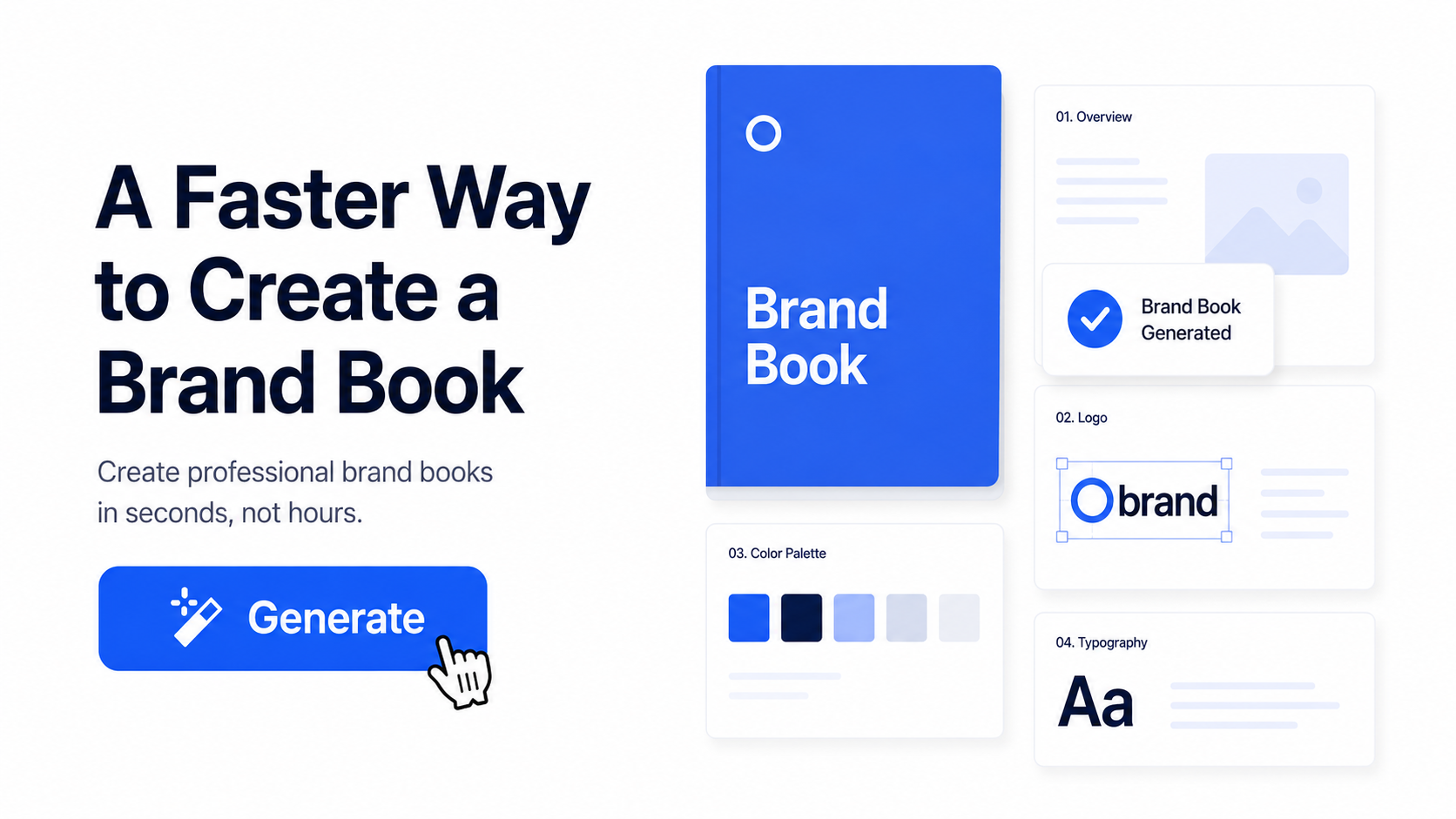
Instead of manually building or replacing every asset such as logos and color codes, you can use an automated system that generates the entire brand book for you based on your assets provided.
In this guide, we’ll focus on this second method specifcally — using Akrivi Guideit’s brand guidelines generator inside Adobe Illustrator.
Brand Book vs Brand Guidelines
Before we start, a quick clarification.
Brand books and brand guidelines are the same thing.
Different designers and clients use different terms, but both refer to a document that explains how a brand should look, feel, and communicate.
Before you start creating (whether manually or with automation) it’s always a good idea to look at a few brand book examples for inspiration.
Step 1: Prepare Your Brand Assets
Before generating your brand book, you need your core assets ready.
This includes:
- Logo mark
- Logo type
- Full logo
- Brand name
- Fonts
- Brand colors
These are the building blocks of your brand book. Once these are set, everything else becomes much faster.
Step 2: Add Your Assets in Guideit
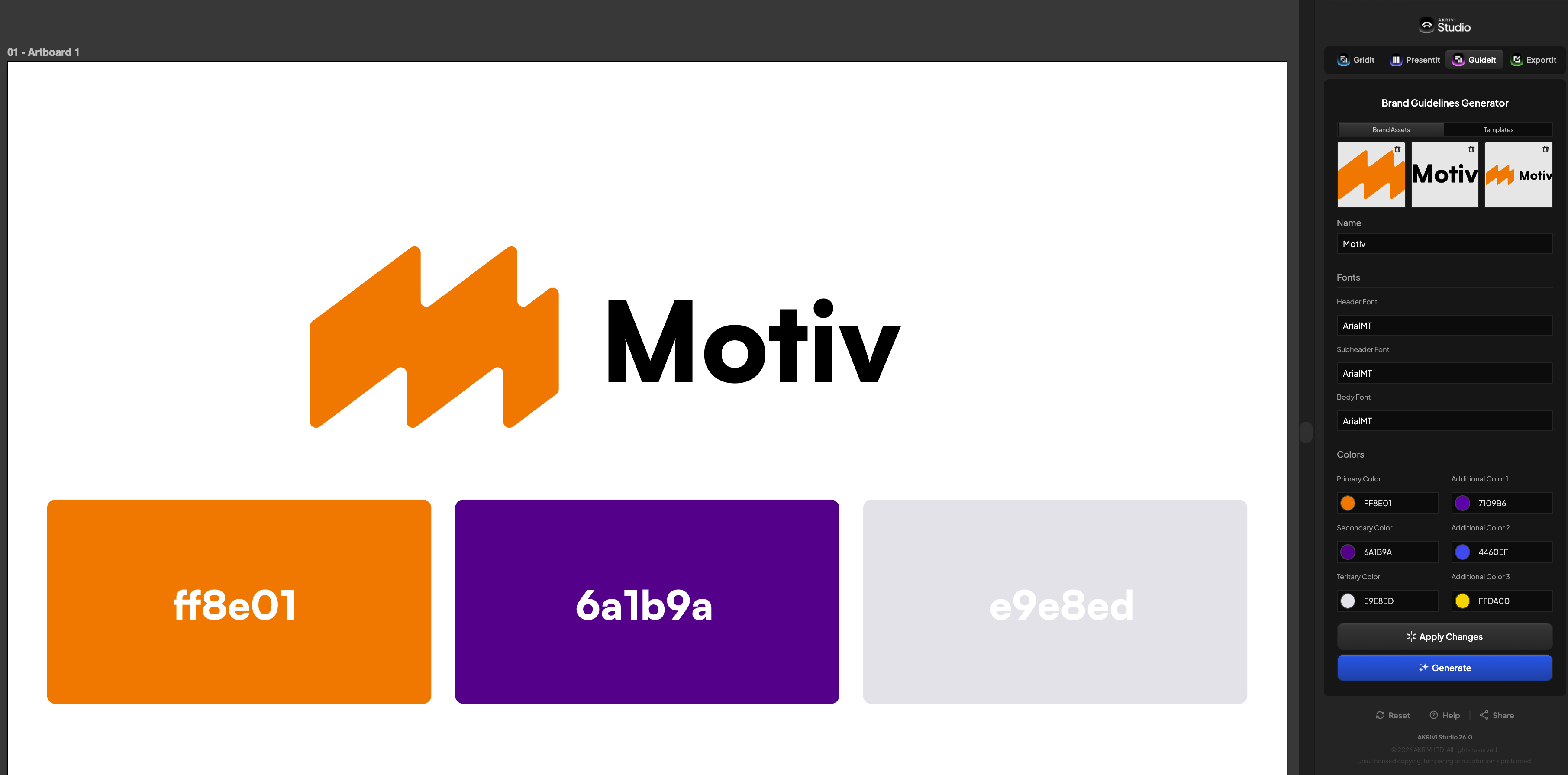
Inside the Guideit Adobe Illustrator plugin, start assigning your assets:
- Set your logo mark
- Set your logo type
- Set your full logo
Then add:
- Typography
- Color palette
- Brand name
Step 3: Choose a Brand Book Template

To generate your brand book, you’ll select a template style.
Different templates suit different types of brands. For example:
- Corporate → clean and structured
- Contemporary → more expressive and creative
- Tech → modern and digital-focused
Choosing the right style is important because your brand book should visually match the identity.
Step 4: Generate Your Brand Book
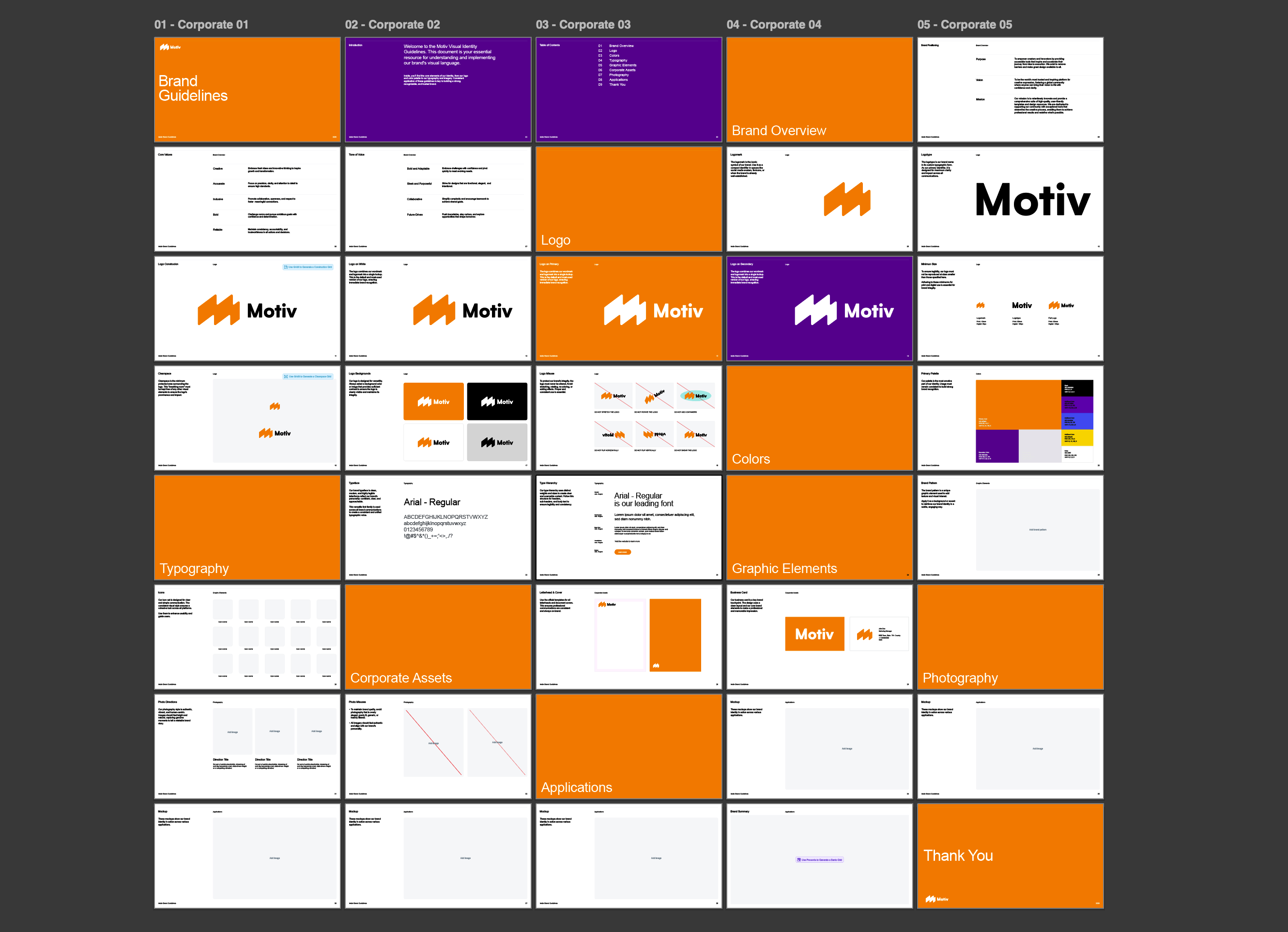
Once everything is set:
- Select your template
- Click generate
Within seconds, your brand book is created automatically.
This includes:
- Logo placement
- Typography pages
- Color systems
- Structured layouts
Instead of building everything manually, the document is already done for you.
Step 5: Review and Refine
Even with automation, you should always review the final document.
Go through and:
- Adjust layouts if needed
- Refine spacing
- Ensure everything matches the brand
- Add all application of the brand such as mockups
For example, a contemporary template might not suit a fintech brand, but a tech-focused layout would.
The goal is to match the design style to the brand personality.
Why are Automated Templates the Fastest
This approach is the fastest because it removes the most time-consuming part of creating brand books: manual layout and repetition.
Better than manual creation:
- No need to design layouts from scratch
- No repeated setup for every project
- Eliminates time spent structuring pages
- Reduces human error and inconsistency
Better than static templates:
- No manual editing of every page
- Instantly adapts to your brand assets
- Faster to generate multiple variations
- Scales easily across multiple client projects
What Method Is Best for You?
The best method depends on your experience level and workload.
If you’re just starting out or working on a few client projects, static brand book templates are the best option. They give you structure, help you learn the process, and are still much faster than building from scratch.
If you’re more experienced and working on multiple projects, automated brand book tools are the better choice. They remove repetitive work, speed up your workflow, and let you focus on the creative side of branding.
In short:
- Beginners → Templates (Use our free templates)
- Experienced designers → Automation (Try Akrivi Guideit for free)
Both are upgrades, but the right choice depends on where you are.